01
Install the official app
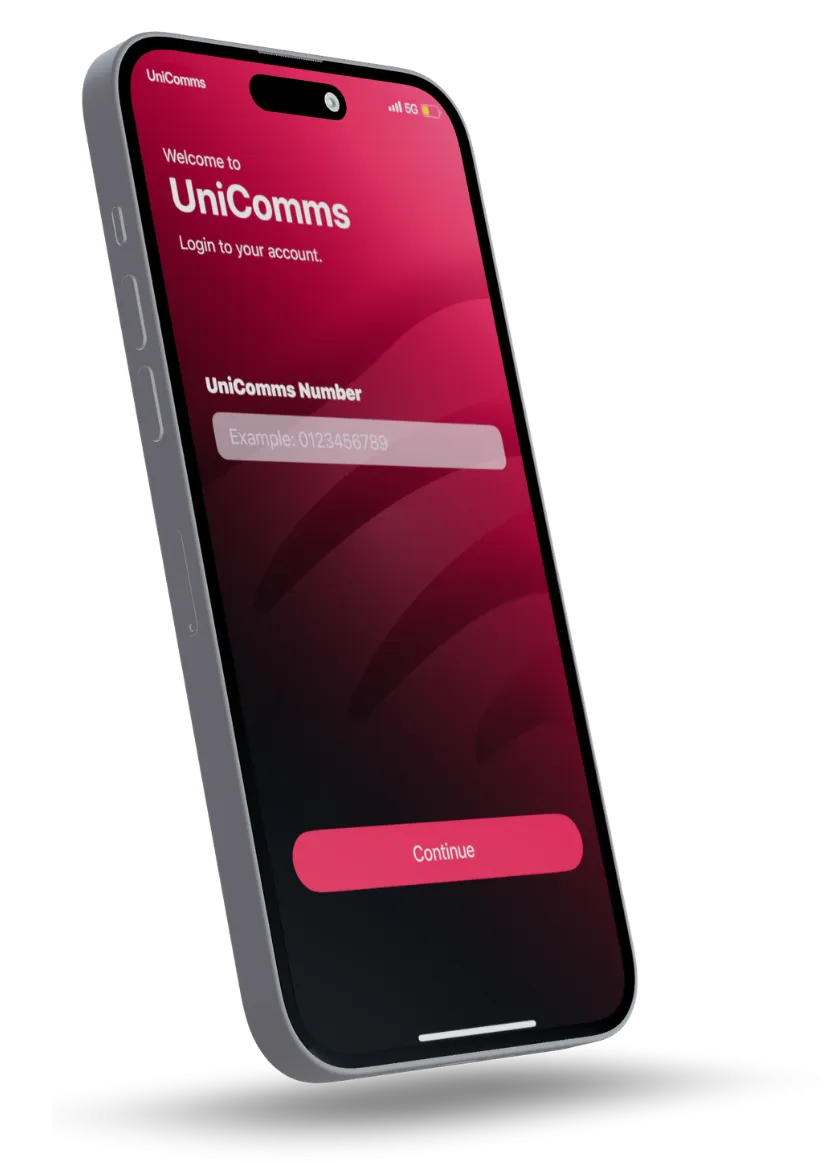
Download UniComms from the App Store or Google Play using the links on this page.

Get your physical SIM ready, then follow the official app.
Download UniComms from the App Store or Google Play using the links on this page.
Open the app, start registration and scan the barcode on your UniComms SIM. Choose a new number or port in your existing number.
Follow the verification instructions in the official app. Submit identity documents only through official registration channels, never through this dealer website.
Check your balance. Top up in a moment. Make your plan work for you, wherever life takes you.
Use the official app to reload your account.
View usage and manage renewals in one place.
Find your plan. Keep your number. Let’s get you connected.