01
Get your UniComms SIM
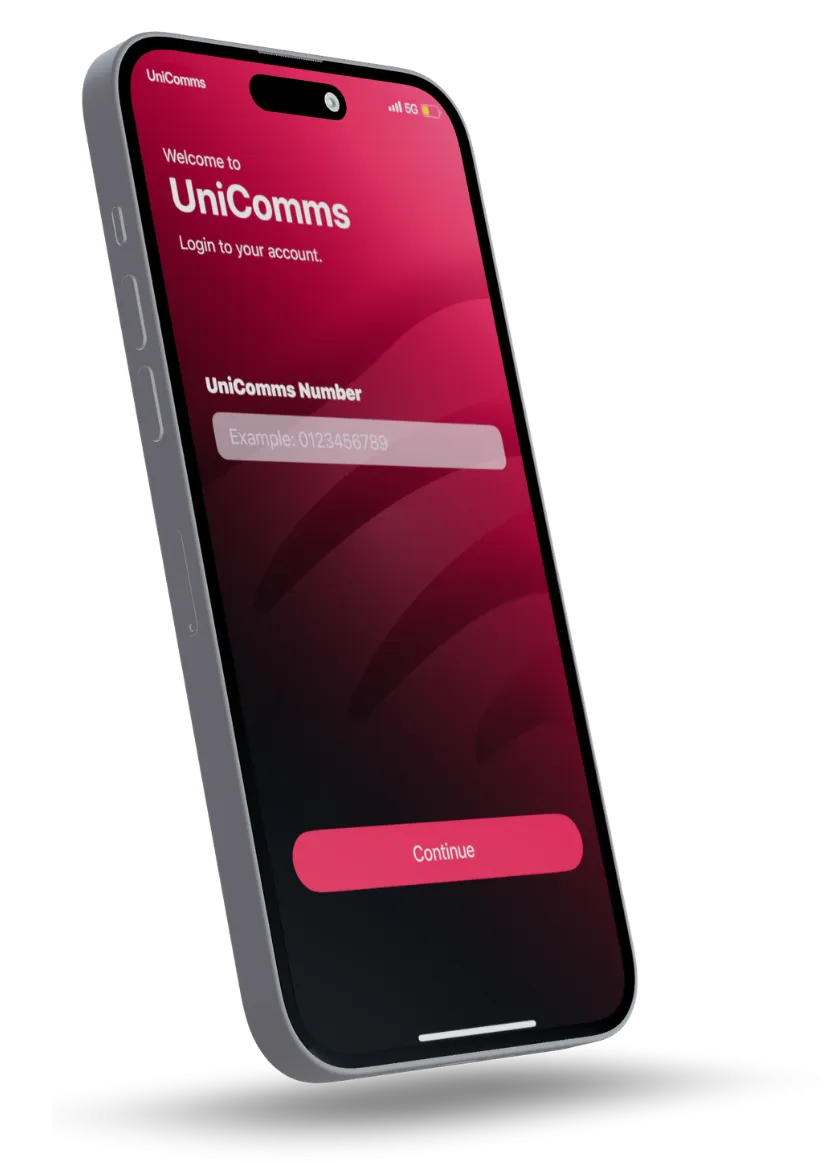
Ask your dealer for a physical SIM, then open the UniComms app to get started.

Bring your existing number to UniComms.
Ask your dealer for a physical SIM, then open the UniComms app to get started.
Choose to port in your existing number, scan the SIM barcode and follow the identity verification steps shown in the app.
Keep your old SIM active. Reply to your current provider’s transfer SMS within its stated time window.
Check your balance. Top up in a moment. Make your plan work for you, wherever life takes you.
Use the official app to reload your account.
View usage and manage renewals in one place.
Find your plan. Keep your number. Let’s get you connected.